grrclone
grrclone
A free, open-source macOS menu bar app that connects rclone remotes as Finder volumes. No licence key, no phone-home, no kernel extension, no root.
grrclone runs one bundled rclone daemon, starts an NFS server on loopback for each
connection, and mounts it with options that turn a dead backend into an error instead
of a hung Finder. How it works on mlaify.io
explains the design.
Install#
Apple Silicon, macOS 14 or later.
brew install --cask mlaify/tap/grrcloneOr download the latest DMG from
Releases and drag it to
Applications. It’s signed and notarised. Homebrew owns updates
(brew update && brew upgrade --cask grrclone); grrclone can check for new releases
if you ask it to, but never replaces its own bundle.
First run#
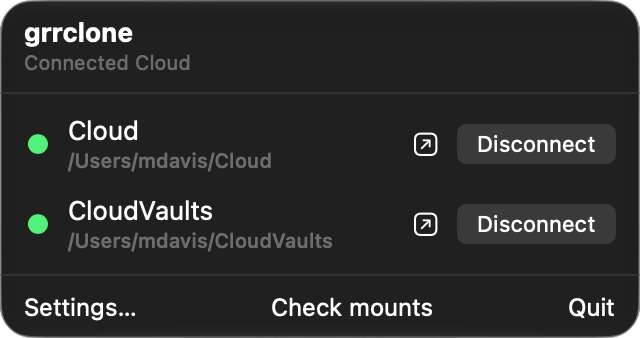
grrclone appears in the menu bar, with no Dock icon. It finds the remotes already in
your rclone.conf and lists them. Connect one and it appears in Finder, under
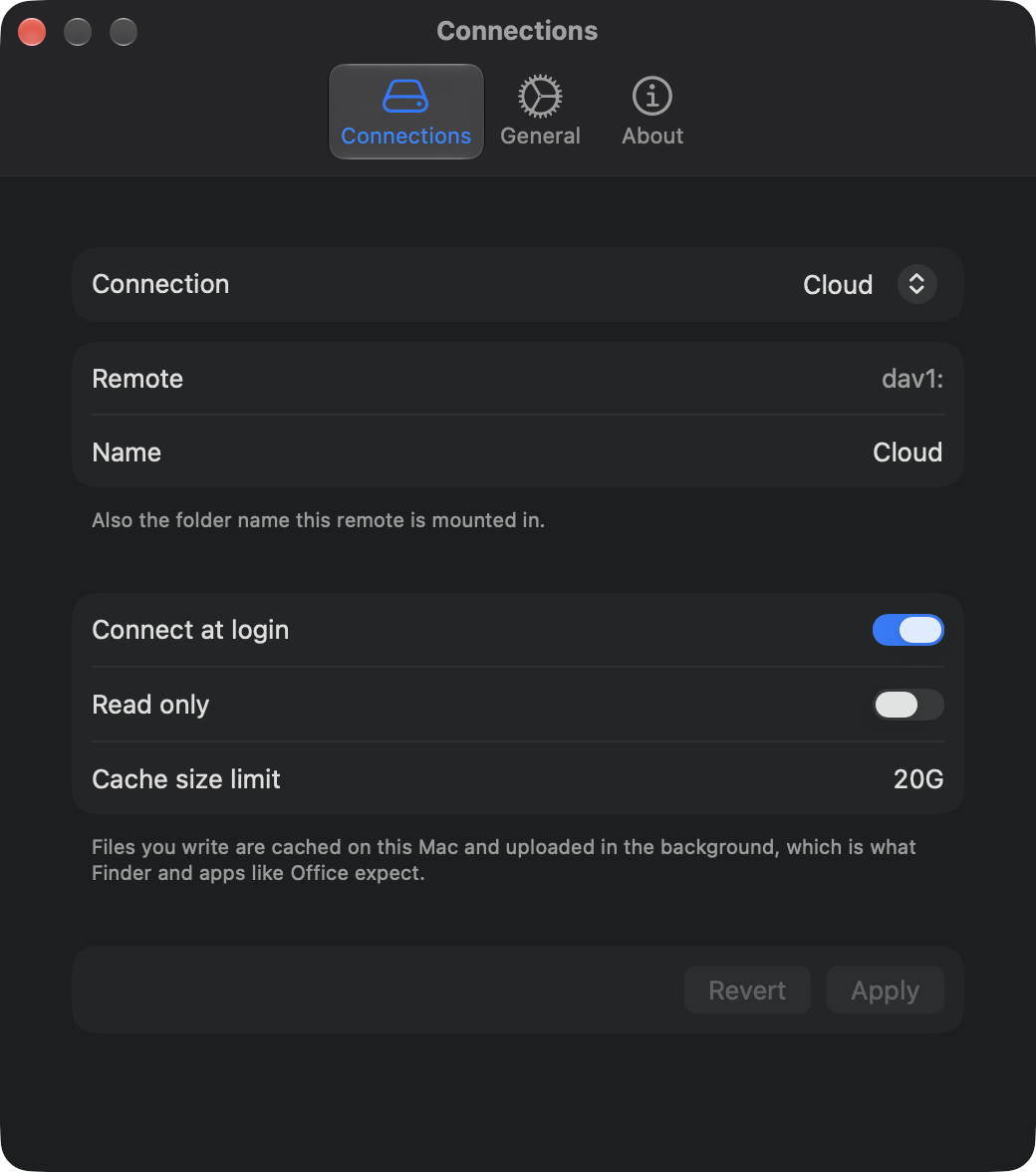
~/grrclone by default or any folder you choose. It reads rclone.conf but never
writes it, so your command-line setup keeps working as before.
Where to go next#
- Limitations: what NFSv3 and the macOS NFS client can’t do, and what to expect when storage goes away.
- Benchmarks: the throughput numbers and the crash test behind the mount options.
- The usage document: let your storage server report how much space a remote uses.
- Changelog and source.